Do not replace the door because one button fails
List the authorized controls you already use and which stopped responding. Mention whether the door travels normally when a working control is used. If the door also jerks, leans or makes a new sound, make that a separate part of the request rather than treating everything as a remote problem.
For a keypad issue, report the symptom without sending its PIN. For a smart-control issue, describe whether you mean the physical door, the app or both. Replacement equipment should be checked against the opener model and existing setup. A similar-looking handset is not enough information to promise compatibility.
Record what works, not just what fails
A report that distinguishes the wall control, handheld remote and keypad can narrow the initial conversation. Say which authorized control still works, whether the opener makes a sound and whether the door remains fully closed. Do not run repeated tests when the door looks crooked, has loose cable or appears unstable.
One control failing is a different starting point from every control failing. The first may lead to a discussion of the control itself or compatibility; the second still needs a check of the door and opener rather than a remote purchase by assumption. Keep the opener model and any displayed error available for the assessment. Do not send account passwords, entry codes or Wi-Fi credentials through an enquiry. Access setup can be handled securely after equipment, ownership and service scope are established.
Local project information to confirm
Miami Gardens provides building documents and forms, including a window-and-door checklist and a separate garage or carport conversion checklist. A replacement door and a change to garage use are different projects. Ask the city which requirements apply if the proposed work goes beyond controls or repair and into replacement or alteration.
Share equipment details securely
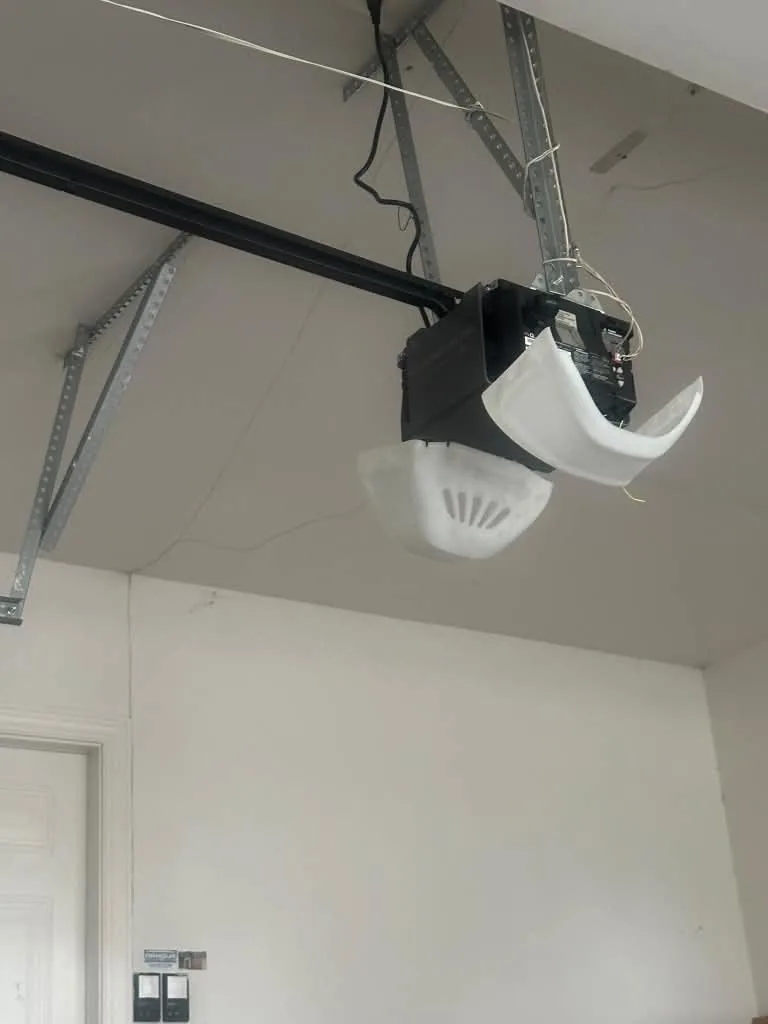
An opener model or a photograph of an accessible label can help prepare the discussion. Passwords, remote-access credentials, alarm codes and payment details are not needed in the initial request. If equipment is too high to read safely, leave the label for the assessment. Tell I-95 Garage Door your location, the controls affected and the door's current position. Confirm availability and supported equipment before expecting programming, repair or installation. The contact process starts a conversation about the work; it does not guarantee a diagnosis from a photograph.
Explore your next step
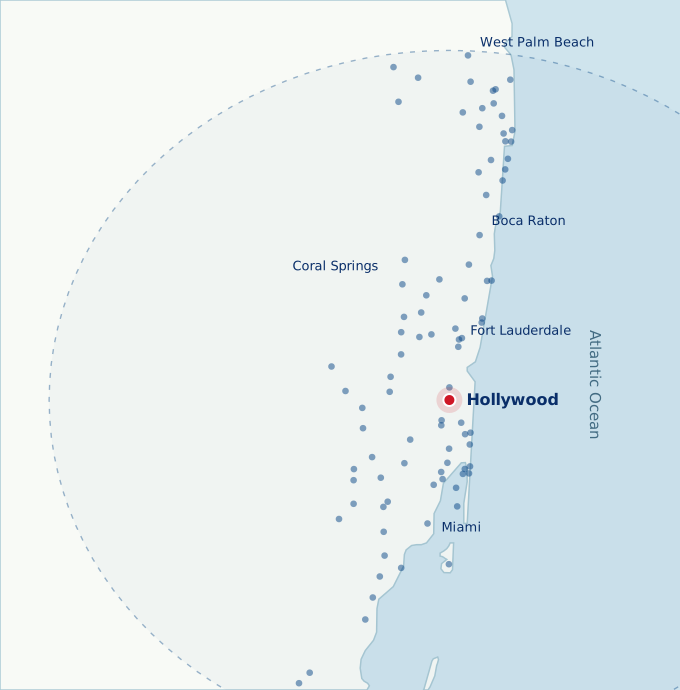
Nearby service areas
Sources and useful references
Use the current official source and your product manual for requirements that apply to your address or model.